 Launching soon
Screenshot. Make your point. Send it.
Because “see the thing in the corner, no, the other corner” is not feedback.
No account. No cloud. No analytics. Your screenshots go only where you send them.
It waits for you.
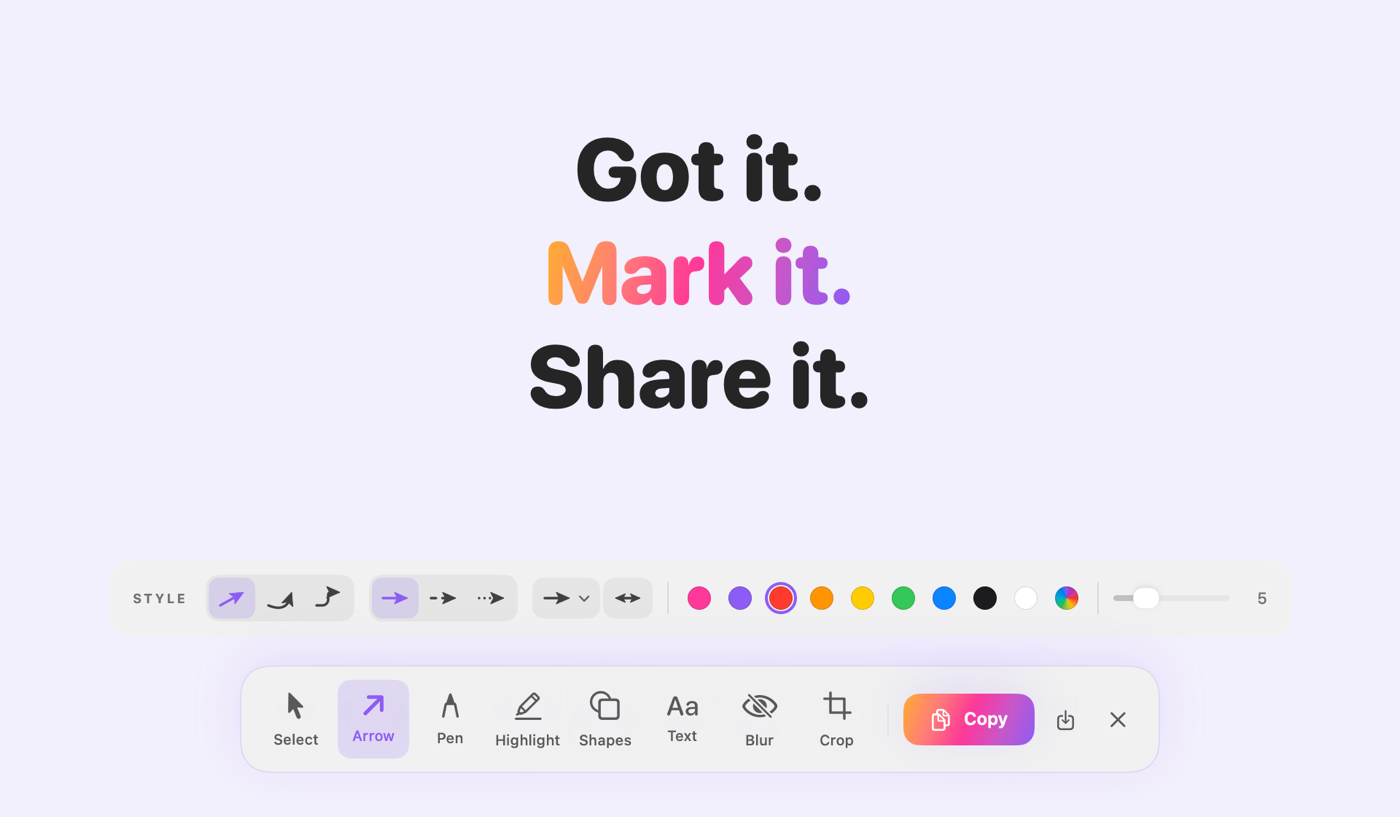
The screen freezes the moment you press the shortcut, so open menus and hover states stay put while you choose.
- Area, window or screen, each on a shortcut you choose
- Window mode gives clean edges, with nothing overlapping
- An optional 3, 5 or 10 second delay
Point at the thing.
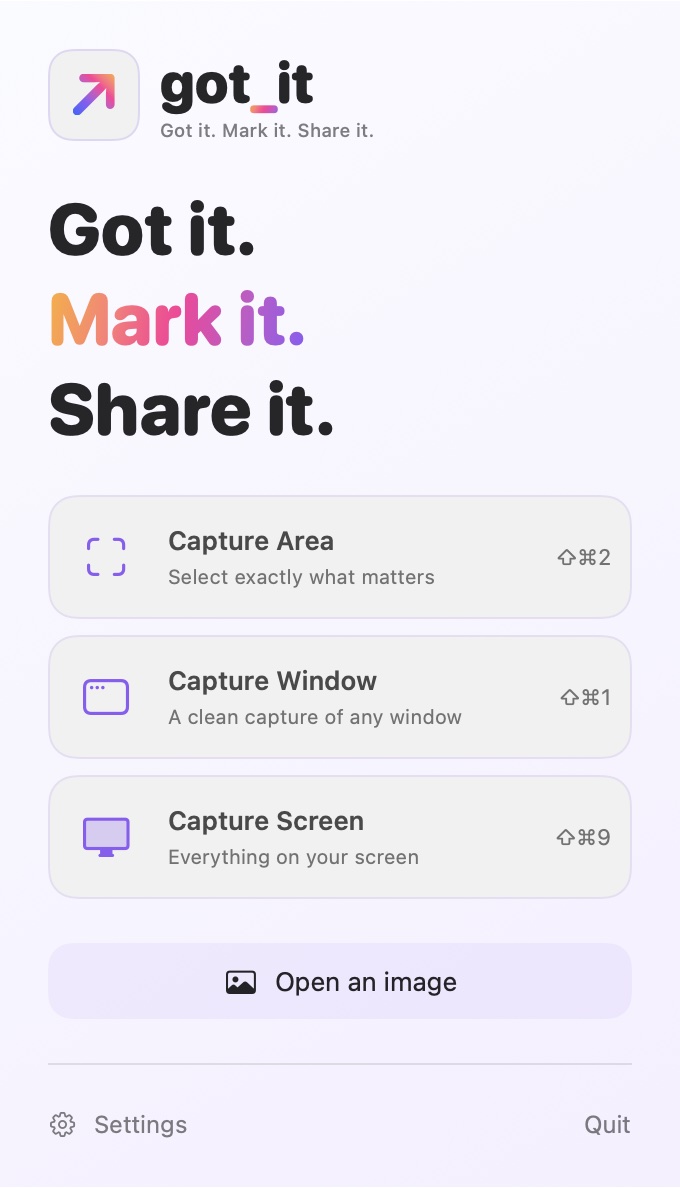
Arrows, numbered steps, text, shapes and a pen. Enough to explain anything, not enough to need a manual.
- Straight, curved or elbow arrows
- A highlighter that leaves the text readable
- Drag a note past the edge and the canvas grows

Blur it before anyone asks.
Blur, pixelate or cover with solid black. The image you share contains only what you see.
- Private mode skips the automatic original and recovery drafts
Send it before you forget why.
Copy it, drag it into any app, or save it. Then get back to whatever you were doing.
- PNG, JPEG, HEIC or TIFF
- Beautify adds a background, padding, corners and a shadow
- File names you choose, instead of “Screenshot 2026-10-20 at 9.41.17 AM”
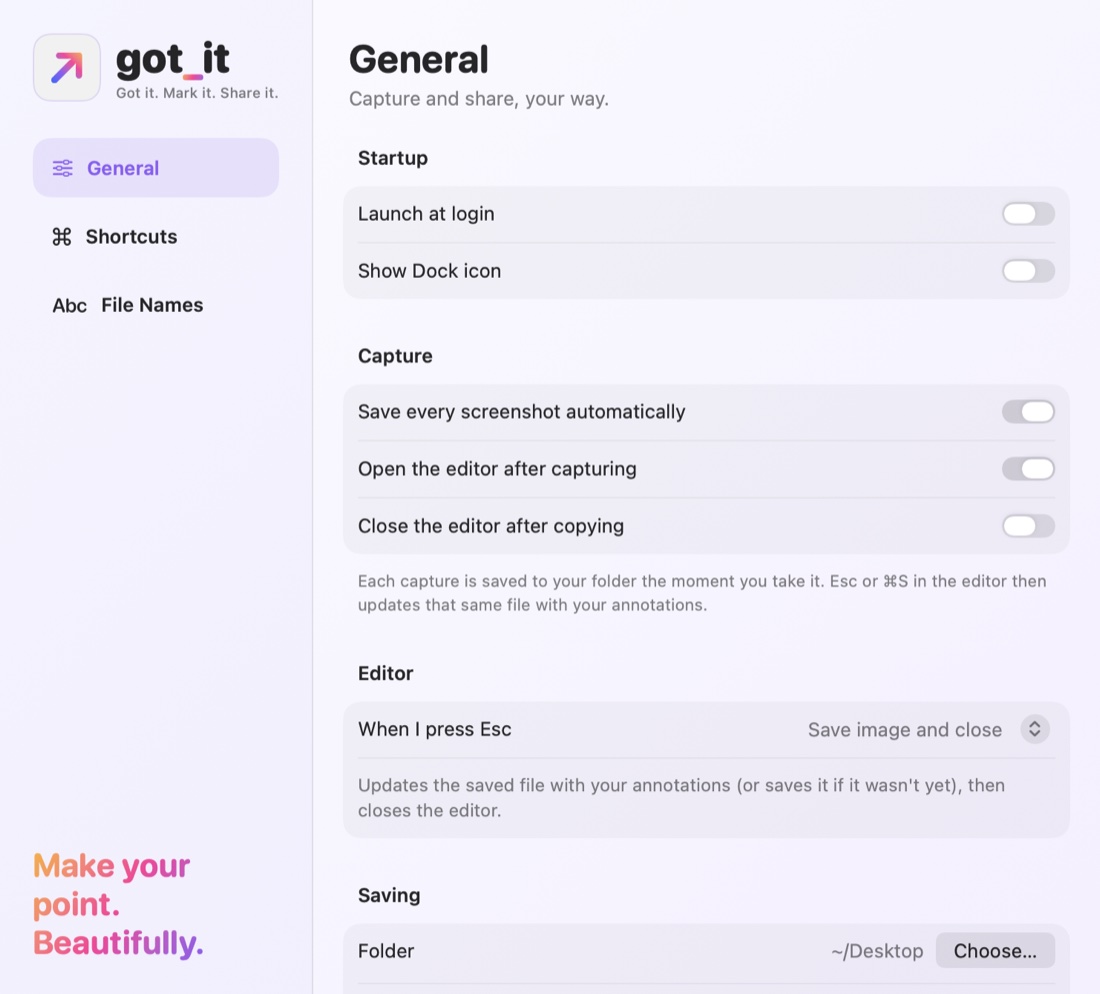
The rest of the tour.
Real screens from the app, in the order you’d meet them.
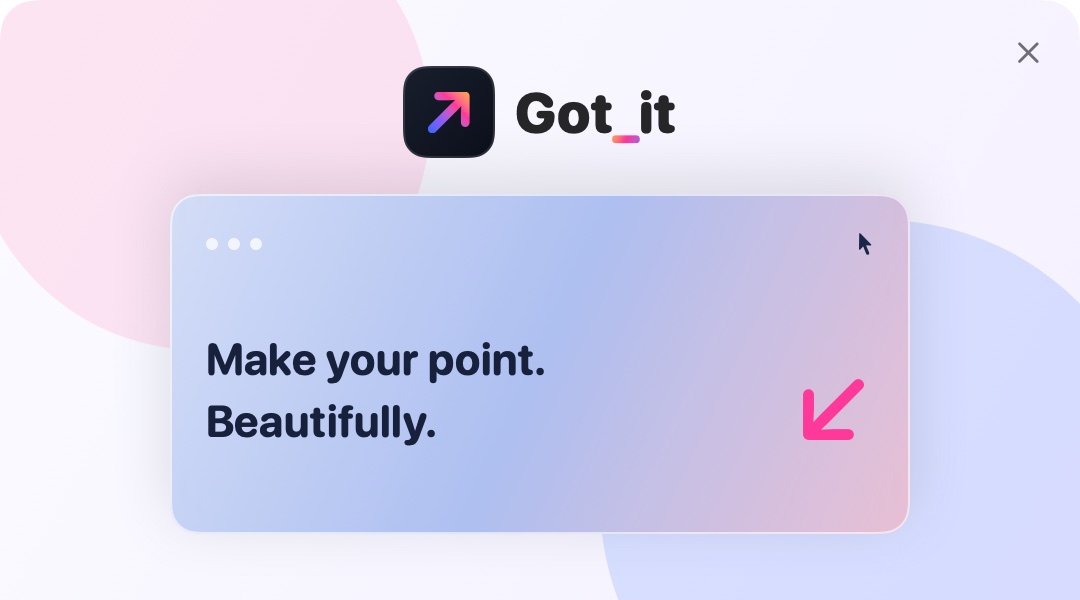
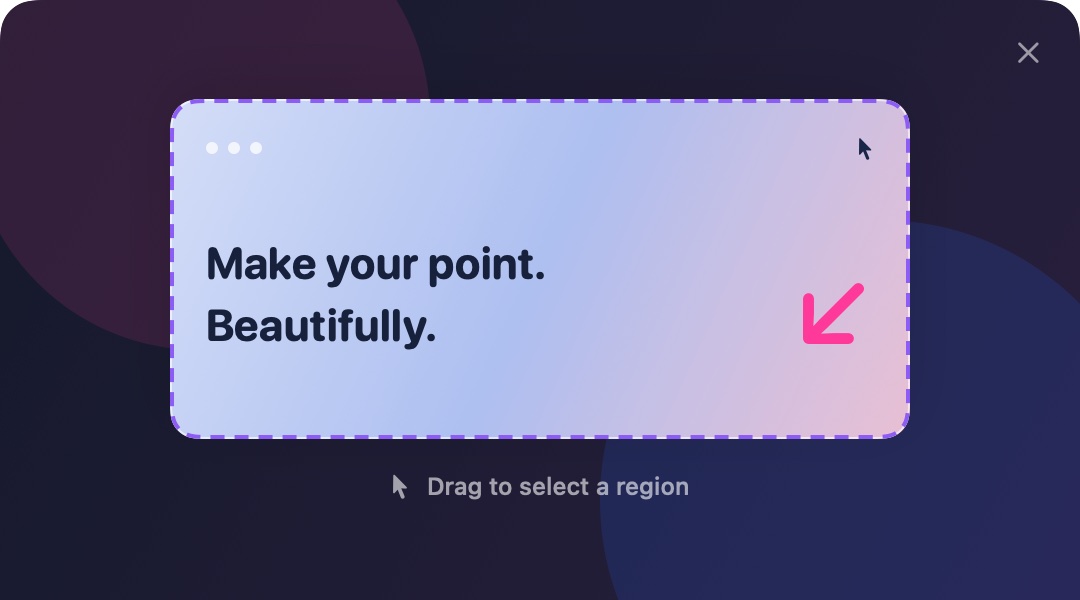
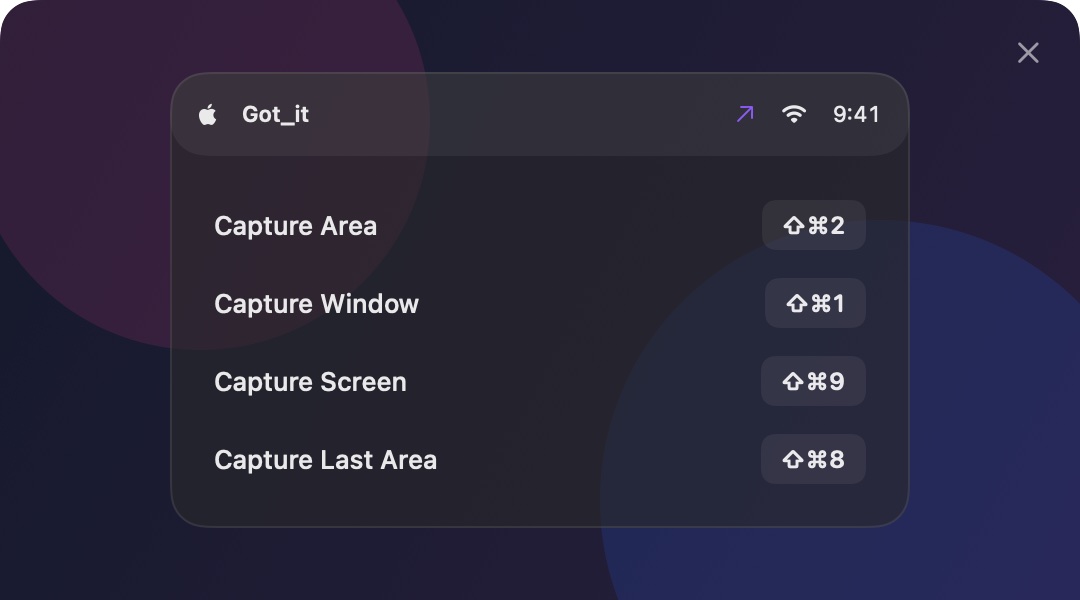
The fine print, but readable.
Compatibility
macOS 14 or later, on Apple silicon Macs. Lives in your menu bar.
Permissions
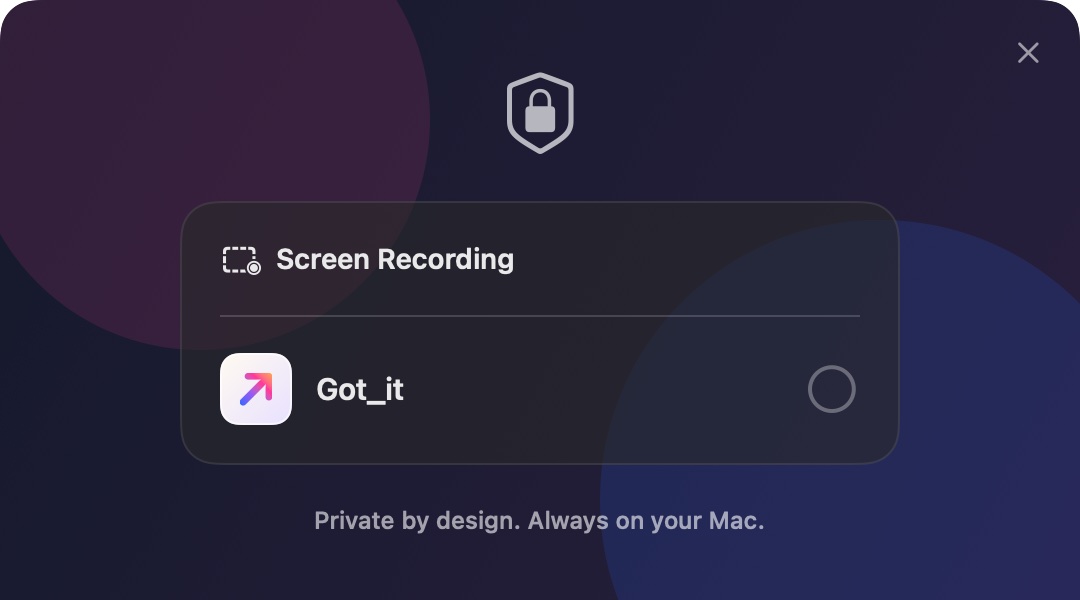
Screen Recording, so Got_it can capture what you ask it to. You can revoke it in System Settings.
What you get
One payment of $19, no subscription. A personal license for up to three of your Macs. Sold by our payment partner, Lemon Squeezy, who handle checkout and tax.
Updates and refunds
Every 1.x update is free. Changed your mind? Email us within 14 days for a refund.
Questions, answered.
Is it a subscription?
No. You pay $19 once. We find subscriptions for screenshot tools mildly funny.
Is there a free trial?
Not at launch. If Got_it isn’t for you, email us within 14 days of buying and we’ll refund you.
Where do my screenshots go?
To your Mac, and then only where you send them. Got_it has no account, no cloud and no analytics.
Does blur really remove what’s underneath?
In the image you share, yes: it contains only the processed pixels. Got_it can also keep an untouched original on your Mac. Turn on Private mode for the truly sensitive stuff, and it skips the automatic original and recovery drafts.
Why does it need Screen Recording permission?
macOS requires it for any app that captures the screen. You can revoke it in System Settings whenever you like.
Can I use it on more than one Mac?
Yes, on up to three Macs that you use.
Does it work on Intel Macs?
Not at the moment. Got_it runs on Apple silicon Macs with macOS 14 or later.
Is it on the Mac App Store?
We’re preparing a Mac App Store version too, and we’ll link it here once Apple approves it.
Make your point. Then get on with your day.
$19, one time, when it launches. No subscription.